Scan-to-Simulation Workflow
Reduced a scanned asset from approximately 218,000 to 42,000 triangles, checked its scale and tested it in Unreal Engine.
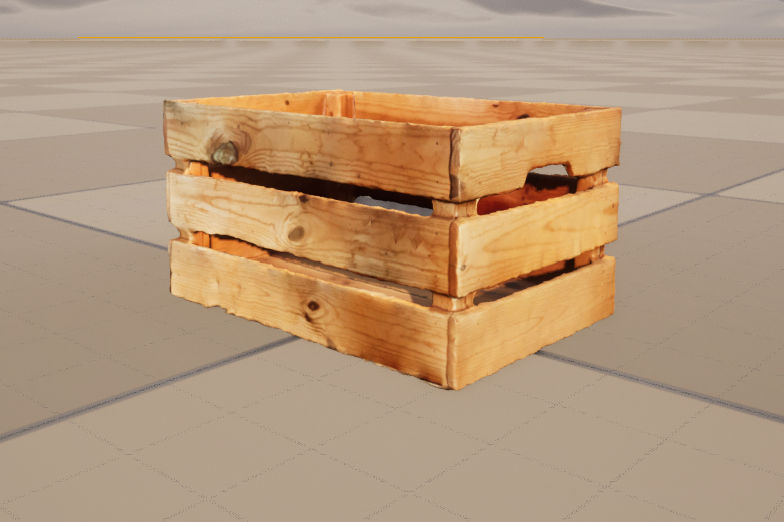
This project explored how a scanned physical object could be prepared and tested as a lightweight asset in Unreal Engine.
The challenge
Raw scan data usually contains unwanted fragments, excessive geometry and an unreliable orientation or scale. These issues must be addressed before the asset can be used effectively in a real-time environment.
Capturing the object
I scanned a physical wooden box with Scaniverse on an iPhone, capturing it from multiple angles to cover its main surfaces and edges.
The scan was then imported into Blender for preparation.
Cleaning and optimising the model
I removed unwanted scan fragments, corrected the model’s orientation and reduced its geometry while preserving its overall shape.
The polygon count was reduced from approximately 218,000 to 42,000 triangles.
A complete quad-based retopology was not required for this experiment. The result remained a cleaned and optimised triangular scan mesh.
Checking real-world scale
This allowed me to identify scale differences and prepare the asset at a more reliable real-world size before importing it into Unreal Engine. I measured the physical object and compared those measurements with the digital model.
Testing in Unreal Engine
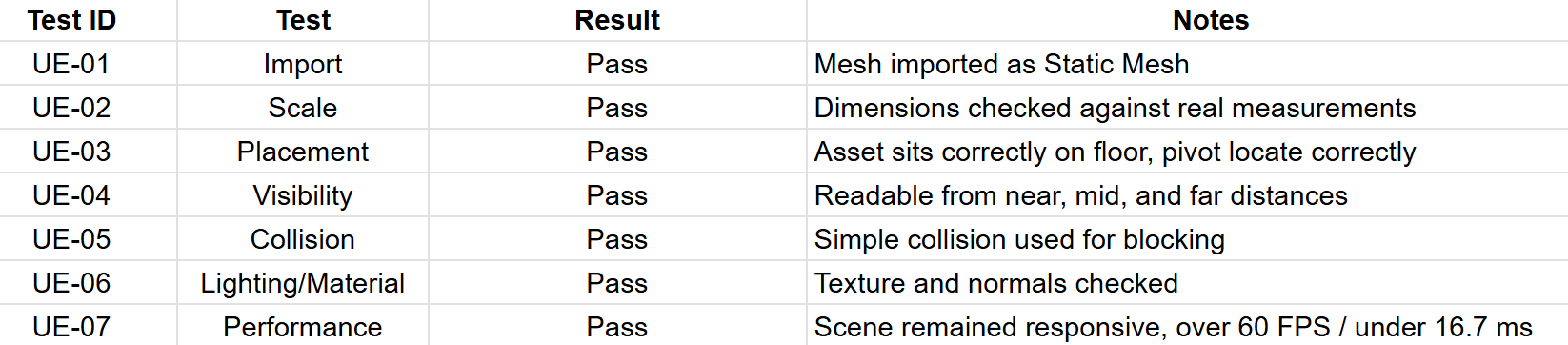
I created a simple Unreal Engine scene and tested:
- Import and placement
- Real-world scale
- Basic collision
- Material display
- Basic performance in the test scene
These checks were intended to explore the asset’s behaviour in a real-time environment. They were not a complete production-readiness or performance validation.
Outcome
The result was a lighter scan-derived asset that could be placed and tested in Unreal Engine.
The project strengthened my understanding of the trade-off between visual detail, geometry weight and real-time usability. It also gave me practical experience carrying an asset from physical scanning through cleanup, optimisation and engine testing.
Limitations
- The mesh was not fully retopologised.
- Collision was created only for basic placement testing.
- No formal performance benchmark was completed.
- The project was independently tested and was not used in production.
- Further work could include refined UVs, custom collision, level-of-detail testing and more precise measurement validation.
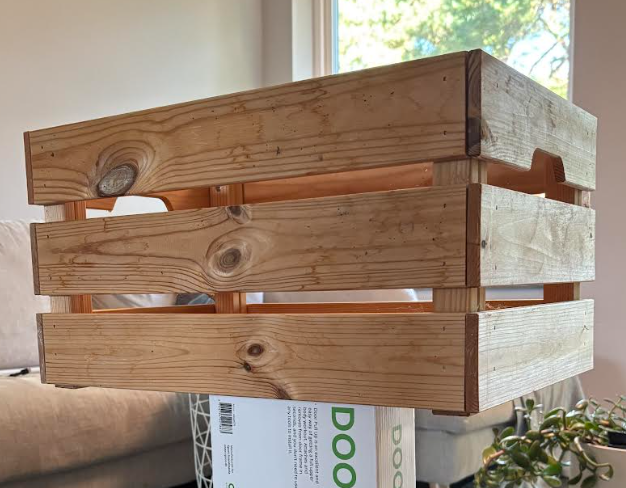
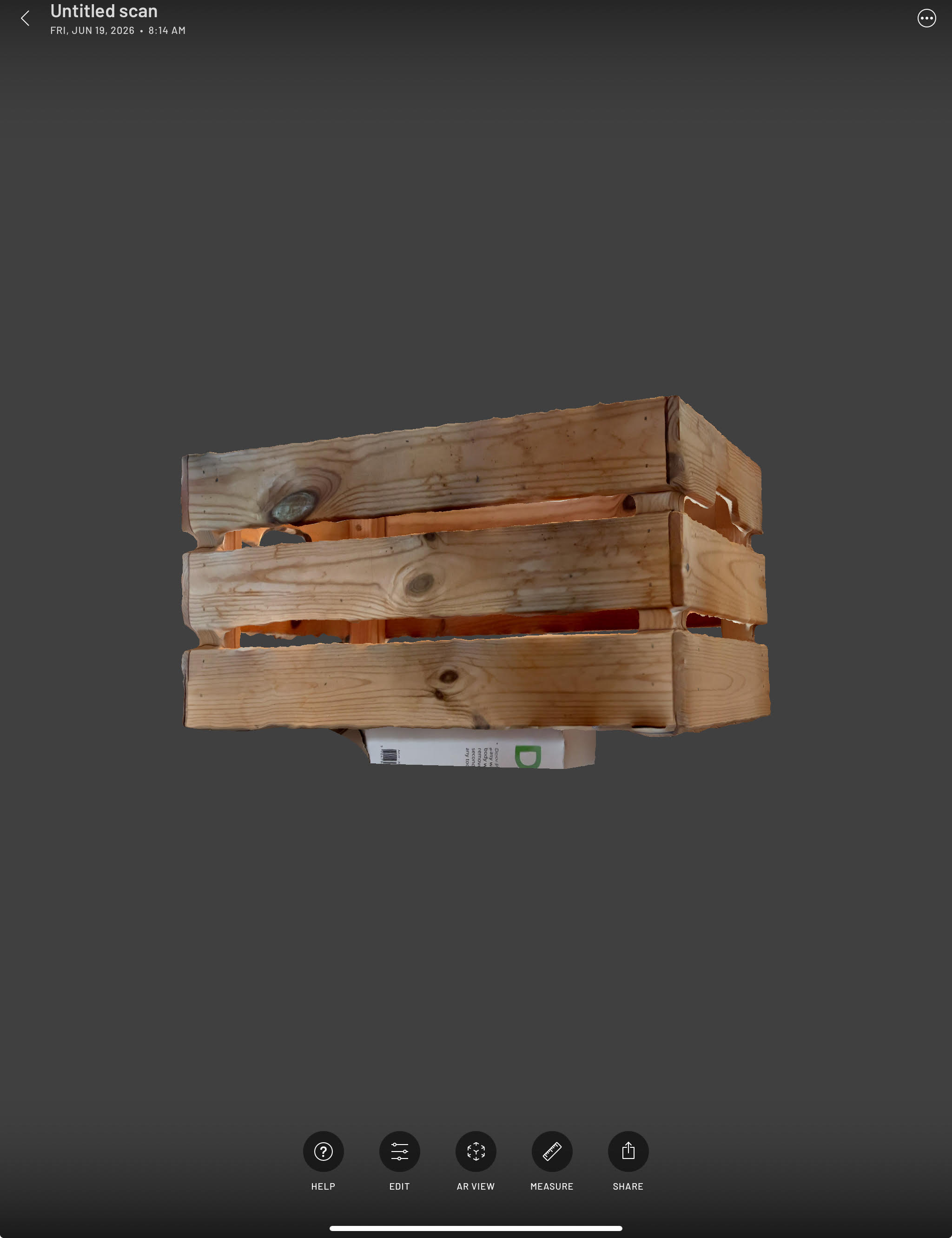
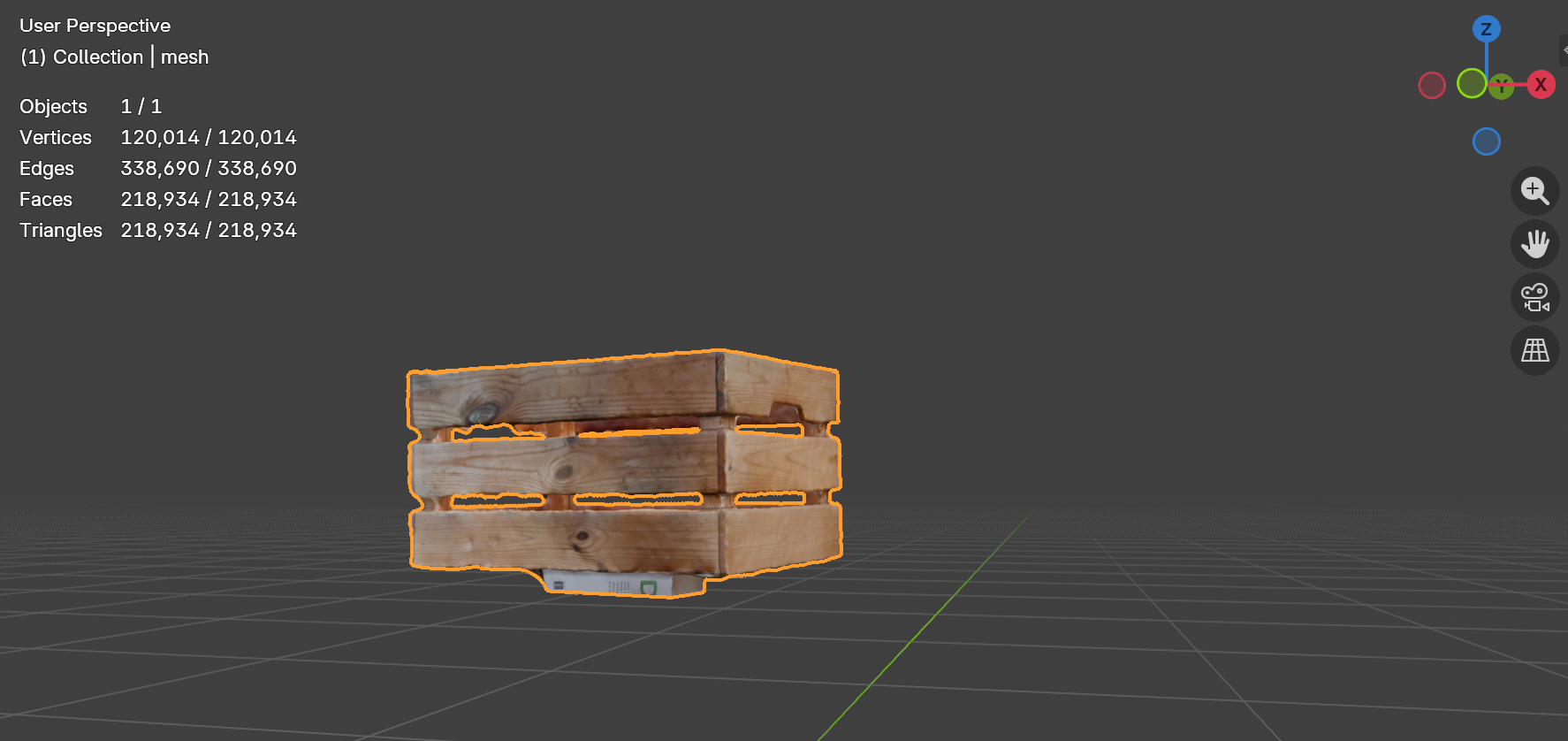
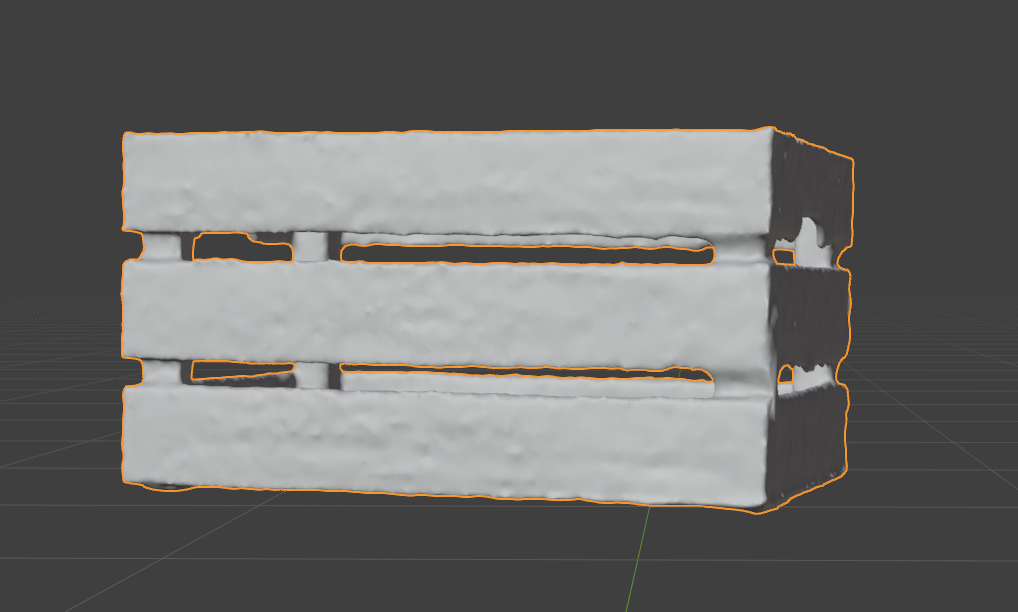
Scan transformation and location clean up in Blender
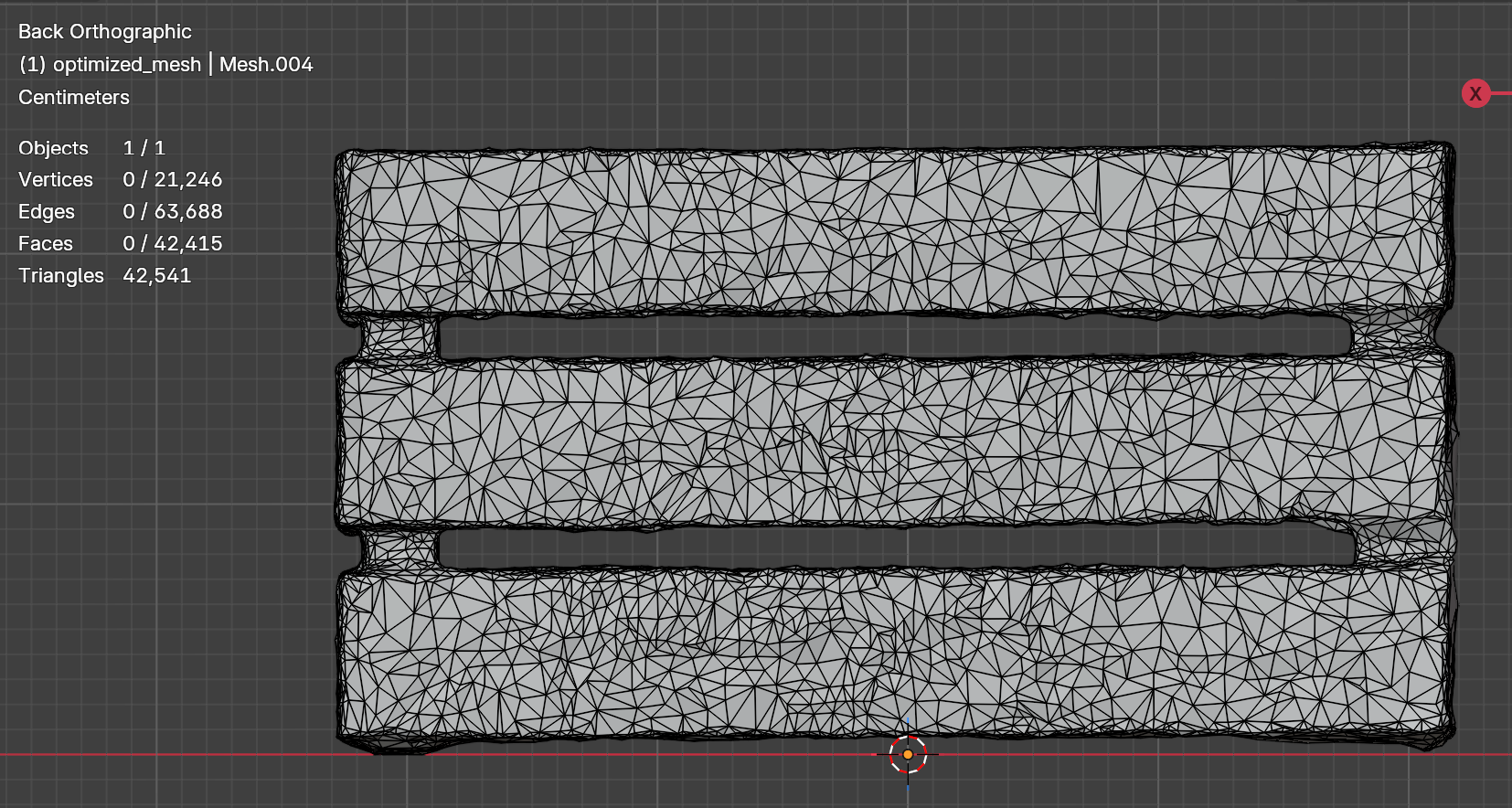
Measurement dimension differences compare with physical object:

Test results: